


In the steps of the tutorial that we will follow we will learn how to create a folded text effect in Adobe Illustrator. To begin with we will see how to create a simple background and how to add text. Making the most of the Appearance panel, you’ll learn how to work with different fills and effects, linear gradients and basic mixing techniques. Finally, you will learn how to copy attributes between objects and easily modify them.
Related Posts
18
Nov2016
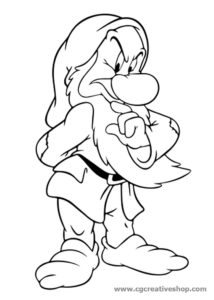
Brontolo dei Sette Nani, disegno da colorare
Brontolo (Grumpy): ha un aspetto scontroso e irascibile, anche se in alcune occasioni viene mostrato un suo lato più sensibile (ad esempio quando viene baciato da Biancaneve). Brontolo è il…
29
Oct2014
Create a Bat Icon in Adobe Illustrator
Quello che andremo a vedere è una simpatica lezione in Adobe Illustrator che ci mostra come realizzare un icona pipistrello con gli strumenti base e qualche effetto vettoriale. Un bel…
07
Oct2016

Create a Medieval Metallic Text in Photoshop
Nel tutorial che andremo viene illustrato il processo completo per realizzare un testo metallico in stile medievale utilizzando il programma di fotoritocco Adobe Photoshop. Un esercizio passo-passo ben spiegato e…
27
Mar2018

Bee Insect Silhouette Free Vector download
On this page we present another vector drawing that can be freely downloaded and used for your graphic and design projects. This is the silhouette or silhouette of a small…
07
Dec2012
Create a Jeans Vector in Adobe Illustrator
The tutorial procedure that we will follow shows the workflow that is needed to create vector jeans in Adobe Illustrator. We will study several important techniques. You will learn how…
11
Apr2017
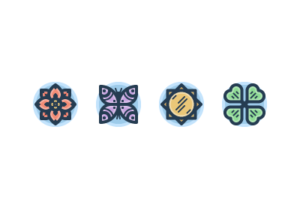
Draw a Spring-Themed Icon Pack in IIllustrator
In the tutorial we are going to take a look at we will see the process of creating a group of icons with a spring theme. We will follow a…
